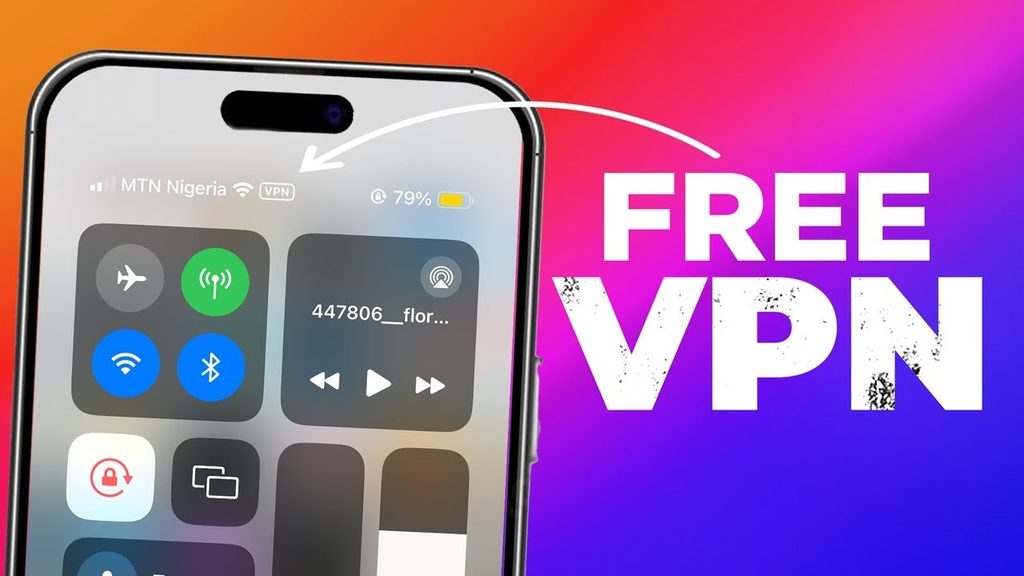
Free VPN for iPhone: 6 Risks to Know Before You Install (2027)
A free VPN can be useful on an iPhone, especially if you only need occasional access to a VPN connection. But choosing the first app that appears in the App Store can create problems you did not expect, from unclear data collection to a connection that stops when you need it.
The price alone does not tell you whether a VPN is trustworthy. Some established providers offer limited free plans alongside paid subscriptions. Others disclose very little about who runs the service or how it makes money. Understanding these differences is more useful than assuming every free VPN is dangerous or every paid option is safe.
Here are six free VPN for iPhone risks worth checking before you install an app, along with a practical checklist for deciding whether a free plan is suitable.
Are Free VPNs Safe on iPhone?
Some free VPNs can be reasonable choices, but their privacy practices and security protections vary. A VPN creates a connection between your iPhone and a server operated by the provider, so you are placing some trust in that company. The fact that a service costs nothing does not establish whether that trust is justified.
Look for a clearly identified operator, understandable privacy documentation, maintained software, and a straightforward explanation of the free plan's restrictions. A company that makes those details easy to find gives you more to evaluate than one promising "total anonymity" without explaining its technology.
The six risks below are potential concerns to investigate, not accusations against every free VPN provider.
Risk 1: The VPN May Collect More Data Than You Expect
People often install a VPN because they want more privacy from the network they use. That makes the VPN provider's own data practices especially important. Depending on its design and policies, a service may process connection timestamps, source IP addresses, data usage, diagnostic events, device identifiers, or DNS-related information. Some information may be needed to operate or troubleshoot the service; retaining or using it for unrelated purposes is a different question.
A VPN does not automatically reveal the passwords you enter on properly secured HTTPS websites. HTTPS still encrypts the information exchanged with those services. However, the VPN provider can occupy a privileged position in your network path, which is why you should understand what it can observe, what it records, and how long records are retained.
Read the privacy policy with specific questions in mind. Does it distinguish account information from connection logs? Does it explain whether data is shared with analytics partners? Is there a retention period, or only a broad promise that data is handled "securely"? A claim such as "no logs" is more meaningful when the provider defines exactly what it means and provides credible independent evidence where available.
If the answers are missing, do not assume that the app has harmful practices. Treat the uncertainty as a reason to compare other options before granting it access to your internet connection.
Risk 2: Advertising May Introduce Tracking
Running VPN servers and maintaining iPhone software costs money. Some free services pay for those expenses through ads, while others rely on subscriptions, partnerships, or a mixture of revenue sources. Advertising itself is not evidence that a VPN is unsafe, but the way advertisements are delivered can matter for privacy.
An ad-supported app might use analytics tools, attribution services, or third-party advertising software. Depending on the implementation, these components can collect information about app usage or devices. If the provider says it does not track browsing activity through the VPN, that statement does not necessarily answer what its advertising and analytics partners collect inside the app.
Apple's App Tracking Transparency guidance explains when apps must ask permission to track activity across other companies' apps and websites. Choosing Ask App Not to Track provides an important control, but it is not a blanket guarantee that an app collects no data. Some collection for app functionality, analytics, or other disclosed purposes may still occur.
Check the app's privacy details and its own policy together. Look at whether data is linked to your identity, which outside services receive it, and whether the free tier requires interacting with ads. An understandable advertising model is preferable to one that leaves you guessing about where your information goes.
Risk 3: An App Store Listing Does Not Guarantee Privacy
Downloading from the App Store is a sensible starting point, but an attractive listing or high download count should not be mistaken for an independent assessment of a VPN provider's privacy claims. An app can be available in the store without proving that it operates a no-logs service or has passed an external security audit.
Apple requires developers to provide privacy information for their apps, including relevant practices of third-party code they use. Its App Privacy Details documentation explains what developers are expected to disclose. These labels make comparisons easier, but they are based on information submitted by the developer, not a substitute for independently verifying every claim.
Use the listing as one piece of evidence. Check that the developer matches the company named on the service's website, then read the privacy policy and recent update history. If a provider claims an outside audit, look for the actual report, its date, its scope, and what was examined. A review of an app's code is not automatically proof of its entire logging policy, and an audit completed years ago may not cover its current systems.
A polished App Store page is a reason to investigate further, not a reason to skip the investigation.
Risk 4: Security Protections Differ Between Services
Two VPN apps may both display a large Connect button while handling traffic very differently. Providers can vary in their protocols, authentication methods, DNS handling, server operations, connection recovery, and approach to fixing vulnerabilities. A simple interface says little about what happens behind it.
Established protocols such as WireGuard, IKEv2, and OpenVPN have publicly documented designs, but naming one of these technologies is not enough by itself. Implementation, software maintenance, server configuration, and the handling of connection failures also affect the result. Be cautious when a provider makes sweeping promises about "unbreakable" or "military-grade" protection without useful technical detail.
One practical concern is what happens when a VPN disconnects unexpectedly. Depending on the app and its settings, traffic may resume over the ordinary internet connection. Some providers offer features designed to restrict traffic during interruptions, but their behavior and availability on iOS differ. Before relying on such a feature, consult the provider's iPhone-specific documentation rather than assuming the desktop version behaves identically.
For a free VPN, look for clear information about supported protocols, recent security updates, and how the app handles reconnections. You do not need to become a network engineer, but a provider should make its basic protections understandable.
Risk 5: Free Plans Can Have Limits You Overlook
A limited free tier is not inherently a security problem. In fact, openly restricting certain features can be a reasonable way to operate a free plan. Trouble arises when those restrictions are easy to miss or conflict with how you intend to use the VPN.
Common limits include data allowances, fewer server locations, slower service during busy periods, time-limited sessions, restricted device counts, or the absence of particular settings. Other services choose automatic server locations rather than letting free users select one. The details vary, so avoid assuming that a feature available in a provider's paid plan also exists in its free iPhone app.
Consider a user who connects before using public Wi-Fi and assumes the VPN will remain active throughout the afternoon. If the free plan ends a session after a set period, the user may continue browsing without realizing that the tunnel has stopped. Likewise, a small data allowance can be used up quickly by video calls, streaming, or app updates.
Check the provider's free-plan terms before using it for an important task. Find out what happens after a limit is reached, whether the app reconnects automatically, and how to identify the connected state on your iPhone. Clear limits are easier to work around than unexpected ones.
Risk 6: A VPN Can Create a False Sense of Anonymity
A working VPN generally changes the public IP address websites see for traffic routed through its tunnel and encrypts that traffic between your device and the VPN server. Those benefits are useful, but they do not remove every way websites, apps, or other parties can recognize you.
If you sign in to an account, that service can still connect your activity to your identity. Cookies and browser characteristics may also help websites recognize repeat visits. Apps can have their own account identifiers, and information you voluntarily submit, such as an email address or payment details, remains identifying information even when a VPN is connected.
Your iPhone's GPS coordinates are another separate issue. A VPN may change the approximate location associated with your public IP address, but it does not ordinarily change the location reported by iOS Location Services. The FTC's explanation of online tracking describes several ways websites and apps can identify activity beyond an IP address.
Think of a VPN as one component of your privacy setup. Keep iOS updated, review app permissions, use strong account security, and be careful about information you share. Even a well-operated VPN cannot protect you from phishing or make every online action anonymous.
Free VPN vs. Freemium VPN: Why the Difference Matters
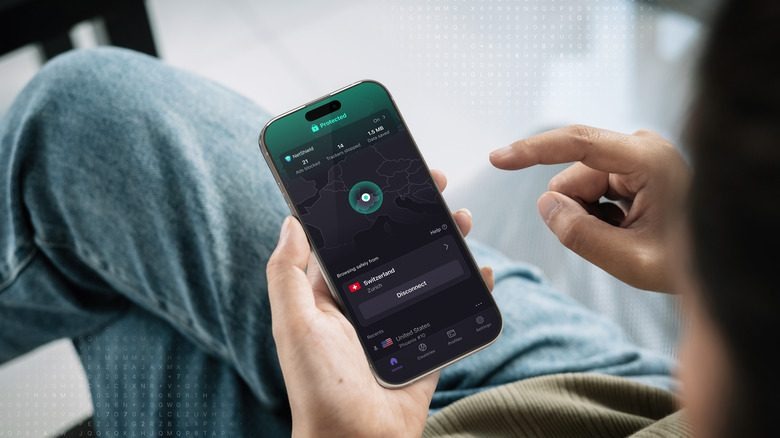
The phrase "free VPN" can describe several business models. A freemium service typically offers a limited free tier supported in part by customers who pay for additional features. Another service may run on advertising, institutional funding, or another source of income. Free trials are different again: they may become paid subscriptions when the trial ends.
The freemium model can make the funding arrangement easier to understand, but it does not establish that a provider has strong privacy practices. A paid product can have weak policies, just as a transparent free tier can offer appropriate protection for occasional use. Evaluate the company and its actual iPhone plan rather than treating the price structure as a security rating.
For example, someone who occasionally needs a VPN on a café network may be comfortable with limited server choices and a modest data allowance. Someone who needs uninterrupted coverage for work, frequent large downloads, or several devices may find those same limits unsuitable. Neither use case automatically proves a free service safe or unsafe; the important issue is whether its capabilities match your needs.
Free VPN Safety Checklist: What to Check Before Installing
Instead of relying on star ratings or dramatic security claims, spend a few minutes checking the details that matter most. You should be able to answer the following questions without searching through pages of vague marketing language:
- Who operates it? Confirm that the developer, company website, and privacy policy identify the same organization. Unclear ownership deserves closer investigation.
- What does it record? Look for specific descriptions of connection logs, IP addresses, diagnostics, retention periods, and third-party sharing. Do not accept an undefined "zero logs" slogan as the entire answer.
- How is it funded? Identify whether the plan is supported by subscriptions, advertising, or something else. If the provider promises unlimited service with no visible revenue source, ask more questions.
- Is the iPhone app maintained? Review its update history and whether the company documents supported protocols and security practices. Recent updates are a positive sign, not proof by themselves.
- What are the free limits? Check data caps, session duration, server choice, supported devices, and what happens when a connection drops.
- Do its permissions make sense? Compare any requested access with the features you intend to use. You can review app permissions under Settings → Privacy & Security.
- Can you verify its claims? Look for credible outside assessments that clearly identify what was tested and when, rather than an unexplained badge or a quote without a source.
If several answers remain unclear, choose another service rather than installing first and investigating later. An unknown operator, contradictory privacy claims, unexplained tracking, and hidden limits are stronger warning signs when they appear together.
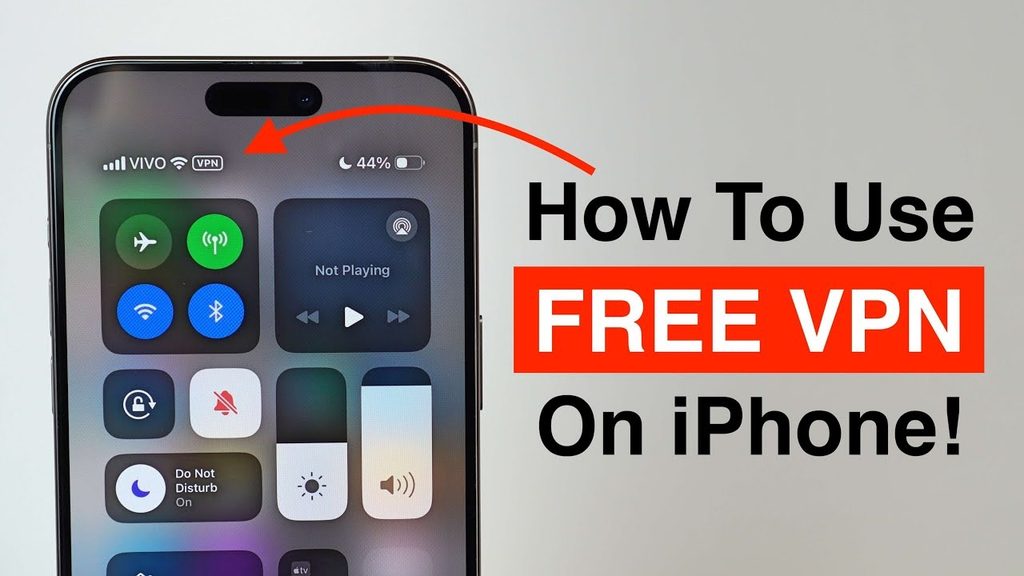
A free VPN can still be a practical choice when the provider is transparent, the app is maintained, and its restrictions fit your usage. You do not need to pay simply to avoid the word "free," but you should know what you are agreeing to before connecting. Before installing a free VPN, it's also important to understand how VPN configurations work on iOS and what permissions or settings an app may require. Your iPhone's built-in VPN settings let you review and manage these connections.
Final Verdict
The main free VPN for iPhone risks involve unclear data practices, advertising-related tracking, misplaced trust in App Store listings, uneven security, unexpected usage limits, and exaggerated promises of anonymity. None of those concerns means that every free service is unsafe.
Choose based on evidence rather than price alone. A clearly identified provider with understandable policies and acceptable restrictions may suit occasional use; a service that hides basic information deserves more caution, regardless of how polished its app looks. If a free VPN doesn't provide the level of privacy, security, or performance you need, upgrading to a more reliable service may be worth considering. Comparing the Best VPN for iPhone options can help you find a provider that better meets your needs.
Frequently Asked Questions
Can a Free VPN Read Passwords Entered on Secure Websites?
A VPN does not normally see the contents of properly protected HTTPS sessions, including passwords sent to those sites. It still handles part of the connection path and may have access to certain metadata, so its privacy practices matter. A malicious app or compromised device introduces different risks that HTTPS alone cannot resolve.
How Can I Check Whether a Free VPN App Contacts Third-Party Domains?
On supported iOS versions, open Settings → Privacy & Security → App Privacy Report to review recent app network activity. Apple's App Privacy Report guide explains that it shows domains contacted by apps, but the report does not by itself prove what information was shared or whether a connection was improper.
What Should I Do If My Free VPN Disconnects Unexpectedly?
Check the VPN app's status and reconnect before assuming your traffic is still protected. Review session limits, server availability, and any automatic reconnect or traffic-blocking features offered for iPhone. If disconnects happen often, test another network and consult the provider's support instructions.
Does Removing a Free VPN App Also Remove Its Subscription?
No. Deleting an app does not automatically cancel a paid subscription or a trial that converts to a paid plan. Review Settings → your name → Subscriptions for purchases billed through Apple, or use the provider's account controls for direct billing. Also review saved VPN configurations if you no longer intend to use the service.
Can a free VPN drain your iPhone battery faster?
Yes. Some free VPNs may consume additional battery power, particularly when they maintain background connections or use inefficient protocols. This is one reason why a VPN Drains iPhone Battery can become a concern, especially during extended use.