iPhone VPN for Privacy: Everything You Need to Know (2027)
Your iPhone already has security features, encrypted connections, and privacy controls. What does a VPN add, and when is it worth using one? An iPhone VPN for privacy can conceal your usual public IP address from websites and reduce the information available to your internet provider or the operator of a Wi-Fi network. It cannot make you anonymous, prevent every form of tracking, or change your GPS location.
Apple also offers iCloud Private Relay, but it protects a different range of traffic. This guide explains what a VPN does and doesn't hide, how to assess a provider's privacy claims, and which iPhone settings deserve attention.
How Does a VPN Protect Privacy on iPhone?
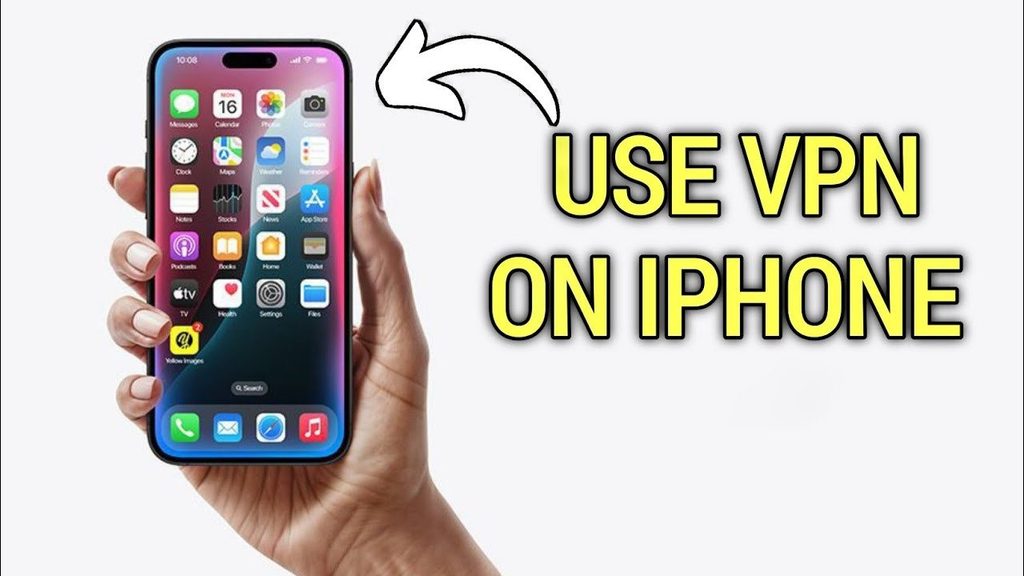
A VPN creates an encrypted tunnel between your iPhone and a VPN server. Traffic routed through that tunnel reaches the provider before continuing to websites and other services. Your Wi-Fi operator or mobile carrier can see a connection to the VPN server, but cannot directly inspect the destinations or contents protected inside the tunnel. Websites you visit through it see the VPN server's IP address instead of your usual public IP.
That protection comes with a trade-off: the VPN provider becomes another party you must trust. Depending on how its service is configured, the provider may be able to observe destination information, connection metadata, or content sent without separate HTTPS encryption. HTTPS continues to protect encrypted website content beyond the VPN server.
The Electronic Frontier Foundation's VPN guide, reviewed in 2027, makes this distinction clear: a VPN changes who can observe some of your traffic rather than eliminating the need to trust a network operator. It is a network-privacy tool, not a complete security solution.
What Doesn't a VPN Protect on iPhone?
A VPN has clear limits, even if its connection is working correctly:
- Signed-in accounts and tracking: Google, Instagram, and other services can recognize you when you log in. A VPN doesn't automatically block cookies, fingerprinting, or advertising identifiers.
- GPS and precise location: Changing your public IP doesn't change your iPhone's GPS coordinates. Apps with Location Services permission can still request your physical location.
- Local browsing history: Safari history, saved searches, downloads, and account activity aren't erased by a VPN. Private Browsing controls what Safari retains locally; it serves a different purpose.
- Phishing and malware: An encrypted tunnel cannot prevent you from entering a password on a fraudulent website. Some VPNs add filtering tools, but they don't replace software updates and strong authentication.
- Work or school monitoring: Mobile Device Management (MDM) can enforce network settings and organizational controls. A personal VPN cannot guarantee privacy from the administrator of a managed iPhone, and the organization's visibility depends on its configuration.
These distinctions matter when deciding whether a VPN addresses your actual concern. If your goal is protecting an online account, for example, two-factor authentication and phishing awareness are usually more directly relevant than changing your IP address.
iPhone VPN vs. iCloud Private Relay: What's the Difference?
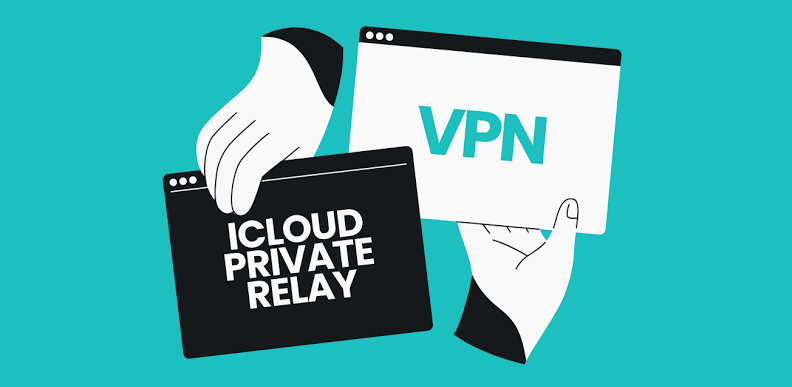
Apple's iCloud Private Relay, included with iCloud+ in supported regions, primarily protects Safari browsing, along with supported DNS requests and some unencrypted app traffic. It uses two separate relays so one relay operator cannot easily associate your original IP address with the websites you visit. A conventional VPN typically tunnels a broader range of app traffic and may let you select a server country, depending on its configuration. Private Relay doesn't provide arbitrary country selection. Neither tool guarantees anonymity; choose based on the traffic you need protected and which service you trust.
Can You Use a VPN and iCloud Private Relay Together?
You can have both features enabled, but that doesn't mean the same traffic passes through two layers of privacy tunnels. Apple's Network Extension documentation states that connections use the active VPN instead of iCloud Private Relay. Network Extension providers also don't use Private Relay.
You don't need to turn Private Relay off merely because you've installed a VPN. If a website or app behaves unexpectedly, check which network configuration is active and test the connection with the VPN disconnected. The important question is which service actually handles the traffic you want to protect, rather than whether both switches appear enabled.
Why Do No-Logs Policies and DNS Leak Protection Matter?
Understand What “No Logs” Means
A no-logs policy describes the activity or connection records a VPN company says it doesn't retain. It doesn't mean the provider processes no information at all: subscriptions, authentication, support requests, and diagnostics can still involve personal or technical data. A useful privacy policy explains those categories and their retention periods instead of relying only on broad promises.
For example, HidzoVPN's published privacy policy says it doesn't log browsing history, VPN-session destination information, DNS requests, or IP addresses used during sessions. It also describes processing account details, authentication tokens, support communications, and technical information. These are company-published claims, not findings from an independent audit. The distinction matters when comparing marketing statements with externally reviewed privacy practices.
Understand DNS Leaks
DNS converts website names into addresses that network applications can contact. A DNS leak occurs when a query expected to travel through the VPN's protected DNS path instead reaches a resolver outside that path, potentially revealing requested domains to another operator.
You can compare DNS behavior with the VPN on and off, but interpreting the results takes care. An unfamiliar resolver isn't automatically evidence of a leak, especially if the VPN intentionally uses a third-party DNS service. Likewise, passing one test doesn't guarantee leak-free operation in every network condition. Look for clear provider documentation and independent technical assessments where available.
How to Improve Privacy on Your iPhone
A VPN works best as one part of a broader privacy approach. These steps address tracking, device access, and network visibility without assuming that one app can solve everything:
- Review app permissions. Under Settings > Privacy & Security, check which apps can access Location Services, the camera, microphone, and photos. Remove permissions that aren't needed.
- Check tracking permissions. Under Privacy & Security > Tracking, review which apps can request permission to track activity across other companies' apps and websites. This doesn't stop all tracking methods, but it gives you additional control.
- Use Safari privacy features. Review cross-site tracking prevention and Private Browsing. These address browser-based tracking or locally stored activity that a VPN doesn't automatically remove.
- Update iOS and apps. Security fixes help address vulnerabilities that encryption between your device and a VPN server cannot prevent. Use strong, unique passwords and multifactor authentication for important accounts.
- Check your VPN configuration. Verify that the app connects, understand auto-connect behavior, and review how it handles DNS and disconnected sessions. Use tests as troubleshooting evidence, not proof of perfect security.
If a device is managed by an organization, ask the administrator which privacy and network settings you can control. Installing a personal VPN may not override the organization's configuration.
Do You Really Need a VPN for Privacy on iPhone?
Not everyone needs one. Think about what you're trying to conceal and from whom. A VPN may help if you want to limit the destination information visible to your internet provider, avoid exposing your usual public IP to websites, or add privacy when using unfamiliar networks. It can also be useful when an organization requires secure access to private resources.
If your main concern is Safari browsing privacy, Private Relay may cover part of that need. If you're worried about account tracking, GPS access, phishing, or stolen passwords, browser settings, app permissions, and strong authentication may be more effective. A VPN won't solve those problems simply because it is always connected.
Before subscribing, read the provider's privacy policy and look for independent assessments that clearly describe what was tested. Also consider whether the service supports the apps, networks, and connection controls you actually use. Free or paid pricing alone is not evidence of trustworthy data handling.
Final Verdict: Is an iPhone VPN Worth It for Privacy?
An iPhone VPN can meaningfully improve network privacy by hiding your usual public IP from sites reached through the tunnel and limiting what a Wi-Fi operator or internet provider can see about protected traffic. The cost is placing trust in the VPN company, so its data practices deserve scrutiny.
For many people, Apple's existing security features, HTTPS, and thoughtful privacy settings already cover their main concerns. Choose a VPN when it addresses a specific network-privacy need, not because an advertisement promises complete anonymity.
Frequently Asked Questions
Does a VPN Hide Browsing History on iPhone?
It can conceal destination information for tunneled traffic from your internet provider or local network, but it doesn't delete Safari history or activity stored in signed-in accounts. Private Browsing and account controls address different kinds of records.
Can My Mobile Carrier See That I'm Using a VPN?
Yes. Your carrier can see that your iPhone is connected to a VPN server, along with connection timing and data volume. For correctly tunneled traffic, it can't directly inspect the websites or content protected inside that connection. Any traffic excluded from the tunnel may have different visibility.
Does a VPN Make My iPhone Completely Anonymous?
No. Websites and apps can still identify you through logins, cookies, device information, or location permissions. A VPN changes part of your network footprint; it doesn't erase your online identity.