iPhone VPN for Streaming: Everything You Need to Know
Can you stream Netflix, Disney+, or other video services while using a VPN on your iPhone? Sometimes. A VPN can add network privacy and change the public IP address streaming platforms see, but it cannot guarantee access to every movie, regional library, or live event.
An iPhone VPN for streaming has trade-offs: apps may detect VPN connections, and crowded servers can affect video quality. This guide covers streaming policies, playback checks, and troubleshooting without ranking VPN brands we haven't tested.
Does a VPN Work With Streaming Apps on iPhone?
A VPN encrypts supported traffic to a VPN server, adding privacy on unfamiliar Wi-Fi and changing the public IP address websites see. It does not change your Apple Account region or GPS location.
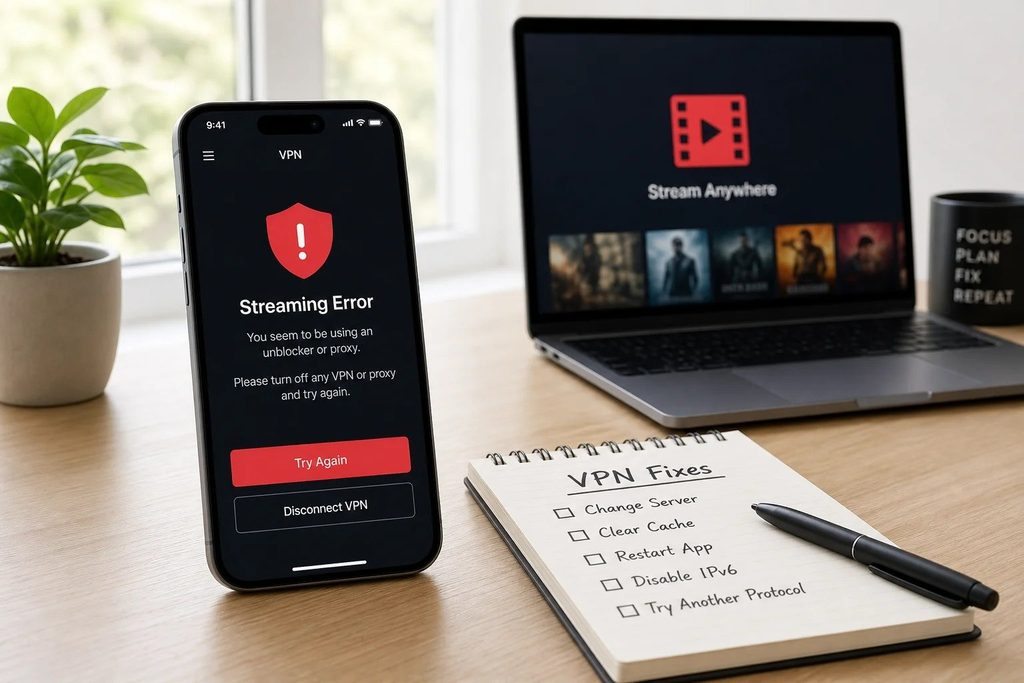
Streaming services license content by region and may use VPN detection or account details to determine availability. An app might work, show fewer titles, or display a VPN error; signing in alone doesn't verify playback.
Test actual playback: start an included title and check for interruptions or location warnings. Results vary by service, server, and network; one successful session proves little about future compatibility.
Netflix, Disney+, and Other Streaming Services: VPN Rules
Streaming restrictions vary by platform. This summarizes policies, not independent compatibility testing.
| Streaming service | What to know when using a VPN |
| Netflix | A detected VPN may limit the catalog to worldwide-licensed titles; live events and ad-supported viewing do not support VPNs. |
| Disney+ | VPNs and IP anonymizers can trigger location-related Error Code 73. |
| Prime Video | Regional licensing and account eligibility can affect what plays. |
| Hulu and live TV | Location rules and subscription conditions may limit playback. |
Netflix: Available Titles and Plan Restrictions
Netflix's official VPN guidance explains that when a VPN is detected, you may see only shows and movies licensed for worldwide distribution. It explicitly says VPN use is unsupported for live events and ad-supported viewing. Choosing a VPN server in another country therefore does not ensure that Netflix will offer its full local library.
If titles disappear, disconnect the VPN and check again. Netflix suggests using Fast.com's extended information to see your connection's apparent country; a mismatch may explain the problem.
Disney+: Error Code 73
Disney+ also restricts playback by region. Its Error Code 73 guide says a VPN or other IP-masking tool can trigger a location error, alongside attempting to watch from an unsupported region. Disney+ recommends disabling the VPN, testing your connection, and restarting the app or device when needed.
Working with Netflix doesn't guarantee Disney+ compatibility. For other services, check regional and subscription rules before switching servers.
How to Use a VPN for Streaming on iPhone
You can usually check VPN streaming compatibility without changing technical iOS settings. Start with the streaming service and content you are already entitled to watch:
- Install a trusted VPN app from the Apple App Store and sign in if required.
- Connect to a suitable server. A nearby location is usually a practical starting point for ordinary streaming.
- Open Netflix, Disney+, or your preferred streaming app and sign in.
- Select a title available under your subscription, then start playback.
- Let the video run for several minutes, checking picture quality, buffering, and errors.
- If playback fails, disconnect the VPN and try the same title on the same network.
Comparing the same video with and without the VPN is more useful than checking whether the app opens. A server's country doesn't override Apple Account settings, content rights, or subscription rules.
Does a VPN Slow Down iPhone Streaming?
It can. VPN traffic passes through an additional server, so speed and responsiveness depend on server congestion, routing, protocol, and your underlying Wi-Fi or cellular connection. A nearby server often helps, but a well-routed distant connection can sometimes perform better than an overloaded local server.
How Much Speed Does Streaming Need?
Netflix publishes these recommended stable connection speeds:
| Video quality | Recommended speed |
| HD, 720p | 3 Mbps or higher |
| Full HD, 1080p | 5 Mbps or higher |
| Ultra HD, 4K | 15 Mbps or higher |
These are Netflix recommendations, not VPN benchmarks. Your plan and device may impose other limits: more bandwidth won't enable 4K without subscription support, and VPN speed loss varies.
Practical Ways to Reduce Buffering
If playback stalls, first compare the same video with the VPN off. If it works normally, try a less congested or closer VPN server, where your plan allows, and test another supported protocol if necessary. Comparing Wi-Fi with cellular data may also reveal a weak local connection.
If buffering continues without the VPN, check your internet connection or the streaming app; a VPN can't fix poor reception.
iPhone VPN Streaming Problems: What to Try
Identify whether you have a location error, unexpected catalog, or playback failure before changing VPN settings.
VPN or Proxy Warning
If Netflix shows a VPN warning or Disney+ displays Error 73, check the platform's policy for the content and plan you're using. Disconnect the VPN, close and reopen the streaming app, and try the same title again. If playback resumes, the VPN connection or its detected location was likely involved; this does not necessarily mean the provider is defective.
Wrong Streaming Region or Missing Titles
After travel or VPN use, a catalog can look unfamiliar. A May 2026 Reddit report described persistent foreign-region Netflix suggestions after disconnection, but that's an individual report, not a confirmed widespread bug.
Verify that the VPN is off, reopen the app, and compare the result on your usual network. If the mismatch continues, follow the streaming service's location and account guidance rather than assuming the iPhone's Language & Region setting controls the streaming catalog.
Video Won't Start or Keeps Buffering
If the app loads but a video does not, test that specific title without the VPN and check whether other titles behave differently. Next, compare available networks and check your connection speed. If the issue only occurs through a VPN server, another nearby server may help, provided the platform permits VPN use. If it occurs without the VPN, update or restart the streaming app and contact the provider when necessary.
Can You Use an iPhone VPN With AirPlay or a Smart TV?
Apple's AirPlay instructions generally require both devices on the same Wi-Fi, and the streaming app must support AirPlay.
Turning on a VPN on your iPhone does not automatically route the television's own internet traffic through the iPhone's VPN. Some streaming apps request playback directly from the receiving device, so a video that plays on your phone might behave differently on the TV. Changing your iPhone's VPN location does not necessarily change the TV's network location or viewing eligibility.
If AirPlay fails, confirm that both devices share the correct Wi-Fi network and that the app supports AirPlay. Then compare playback with the VPN on and off. Local-network discovery settings within a VPN app may also affect device visibility, but allowing discovery is not the same as sharing the VPN tunnel.
Choosing a Free or Paid VPN for iPhone Streaming
Free plans may limit data, locations, speed, or session length, potentially interrupting a movie. Paid VPNs also can't guarantee Netflix or Disney+ playback.
When evaluating a provider, focus on stable connections, adequate bandwidth, usable iOS controls, appropriate server availability, and transparent privacy policies. Also look for recent, documented playback tests identifying the iPhone model, streaming service, server country, and date. An unsupported claim that a VPN is the "best for streaming" is weaker evidence than a specific test that explains its conditions and limitations.
Final Verdict: Is an iPhone VPN Worth Using for Streaming?
An iPhone VPN can add network privacy while streaming, particularly on unfamiliar Wi-Fi, but it is neither a guaranteed streaming unlock tool nor a substitute for a stable connection. Netflix and Disney+ have explicit restrictions, and results vary with your plan, the content, and the network.
If privacy is your priority, a trustworthy VPN may be useful. If reliable playback is the priority, confirm that the platform permits your intended use and test actual video playback instead of choosing solely on advertised speeds or server counts.
Frequently Asked Questions
Can a VPN Change My Netflix Region on iPhone?
A VPN can change the IP-based location Netflix sees, but it cannot guarantee another country's catalog. Netflix may limit titles when it detects a VPN, and your subscription type still matters.
Does a VPN Help When Streaming on Public Wi-Fi?
It can provide additional network privacy for supported traffic on unfamiliar networks. However, it will not increase weak Wi-Fi signal strength, remove service-specific restrictions, or ensure uninterrupted video.
Can a VPN Cause Streaming Apps to Stop Working?
Yes. Some streaming services detect VPN addresses and show errors or refuse certain titles. Compare the same video with the VPN disconnected, then follow the streaming provider's instructions.
Can I Stream in 4K With an iPhone VPN?
Potentially, if your plan, device, service, and actual connection support 4K. Netflix recommends at least 15 Mbps for UHD, but the VPN itself does not enable higher-resolution playback or override subscription limits.