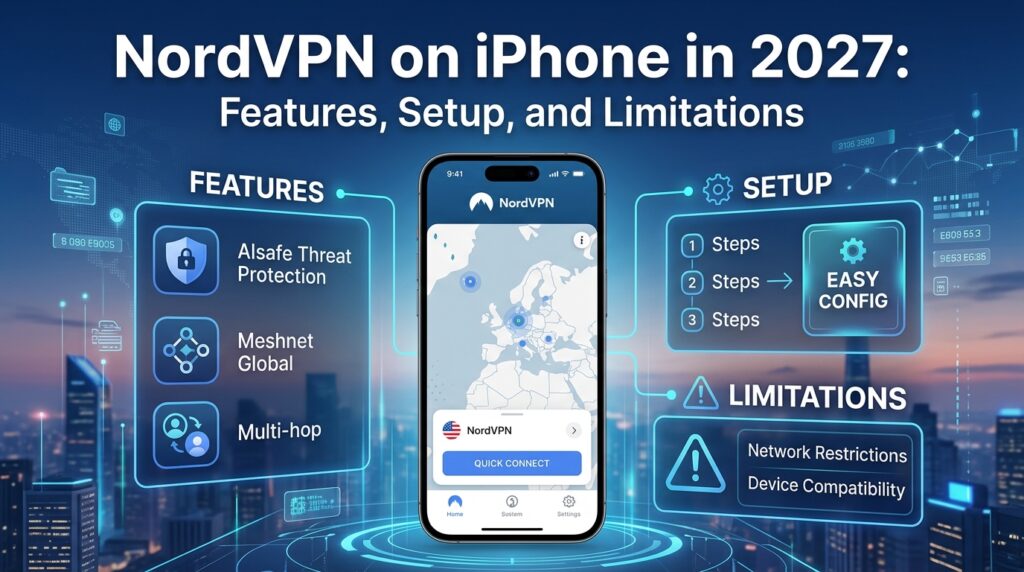
NordVPN on iPhone in 2027: Features, Setup, and Limitations
NordVPN offers an iPhone app with encrypted VPN connections, automatic server selection, and additional privacy tools. But is it worth using when iOS already includes substantial security protections?
A VPN can reduce the information visible to your internet provider and unfamiliar Wi-Fi networks. NordVPN also offers connection controls and website filtering, although some desktop features are missing on iPhone. This guide covers setup, the main iOS features, published performance evidence, pricing, and practical limitations without claiming original testing.
NordVPN on iPhone: A Quick Overview
NordVPN routes supported traffic through an encrypted connection to a VPN server. Websites generally see that server's IP address rather than your usual one, but logged-in accounts and cookies can still identify you. Its App Store listing specifies iOS 17.0 or later.
| Feature | iPhone availability |
| Protocols | NordLynx, NordWhisper, OpenVPN TCP/UDP |
| Automatic and manual server selection | Yes |
| Wi-Fi auto-connect and VPN bypass prevention | Yes |
| DNS-based scam and tracker filtering | Yes, with limitations |
| Simultaneous devices | Up to 10 |
| App-based split tunneling | No |
| Permanent free plan | No |
Additional services, such as a dedicated IP, may depend on your subscription. Don't assume every feature advertised for NordVPN's desktop applications is available in iOS. The iPhone app focuses on protecting network traffic, not replacing Apple's existing safeguards against malicious apps, phishing, or unauthorized access to your device.
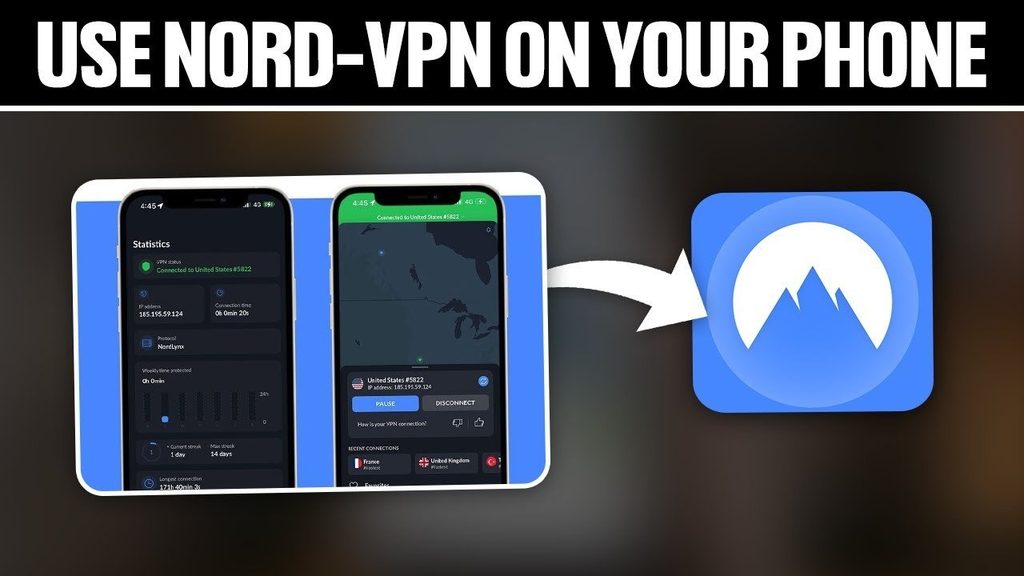
How to Set Up and Use NordVPN on iPhone
You'll need a compatible iPhone, a Nord Account, and a subscription or qualifying trial. NordVPN's official iOS installation guide describes the process:
- Download the official NordVPN app from the App Store.
- Open it and sign in or create a Nord Account.
- Review any initial privacy and notification choices.
- Tap Secure my connection to use a recommended server.
- Select Allow when iOS requests permission to add a VPN configuration.
- Confirm with your iPhone's authentication method if prompted.
Once the app reports a secure connection, you can browse normally. The recommended server is a sensible starting point, while the location list lets you choose another country or city when needed. A different VPN country doesn't guarantee access to every streaming catalog or change your iPhone's GPS location.
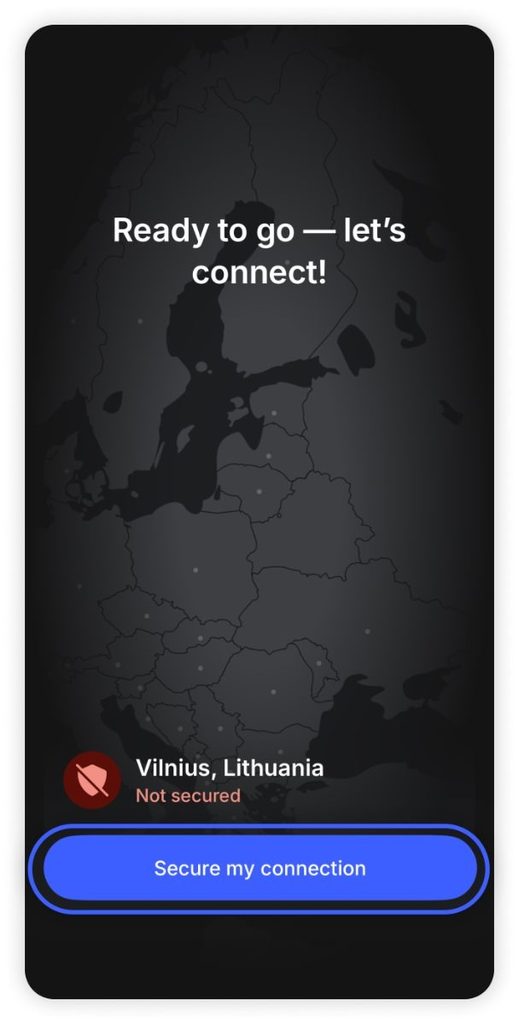
You can adjust protocols, automatic connections, and local-network discovery in the app. For most users, leaving the protocol on Automatic avoids unnecessary configuration. If you change a setting to fix a connection problem, test the VPN again before changing anything else. That way, you can tell which adjustment helped.
NordVPN iPhone Features and Privacy Protections
NordVPN has useful iOS tools, but their scope matters. These are the main features to understand before subscribing.
Connection Protocols and Automatic Protection
NordLynx is built around WireGuard and aims for efficient connections. NordWhisper is intended for restrictive networks, while OpenVPN TCP/UDP offers alternative connection methods. The official iOS protocol guide confirms the choices. None guarantees the best performance on every network. NordWhisper is particularly relevant when a local network restricts VPN traffic; it isn't automatically the fastest option for ordinary browsing.
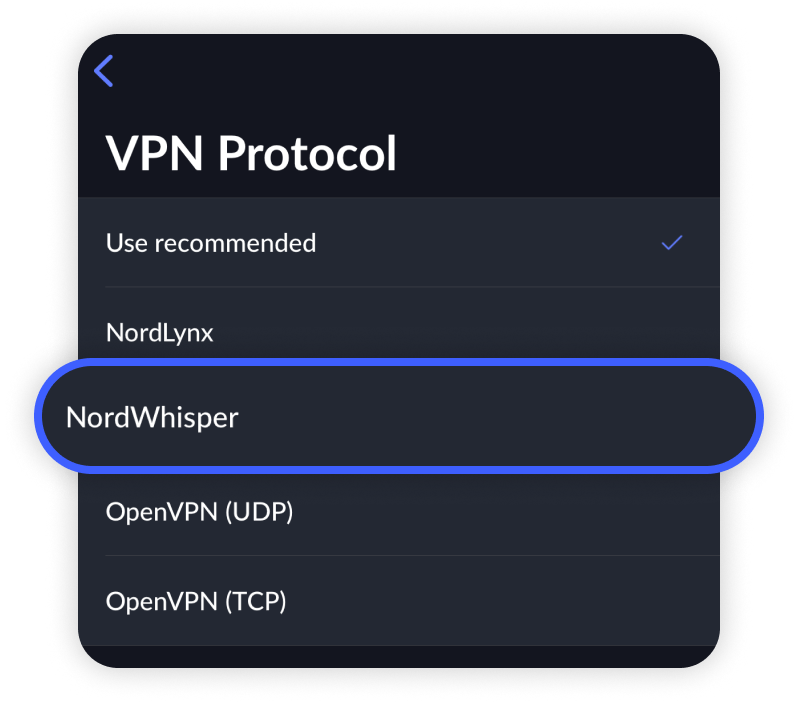
Wi-Fi auto-connect can start the VPN on selected networks. NordVPN's VPN bypass prevention helps keep traffic covered by its VPN configuration inside the tunnel during events such as app restarts and device sleep.
Real-Time Protection and Its Limits
The iPhone app also provides DNS-based protection against selected scam, phishing, and advertising domains. Don't confuse it with full antivirus software. In TechRadar's October 9, 2026 iPhone review, NordVPN's iOS protection blocked 24% of malware sites and 34% of phishing sites in the reviewer's tests. Those results show meaningful limitations. DNS filtering can help stop connections to known unwanted domains, but it cannot reliably identify every malicious page or replace browser warnings and careful account security.
There's also an iOS 27 caveat. NordVPN's September 17, 2026 technical note says Apple's Connectivity Assist may bypass some DNS filtering when protection is set to Always without an active VPN. NordVPN recommends using the protection with an active VPN connection or disabling Connectivity Assist for that scenario.
Privacy Policy and External Assurance
NordVPN states that it follows a no-logs policy. On February 3, 2026, it announced its sixth independent assurance engagement, conducted by Deloitte Lithuania. The review examined relevant infrastructure and procedures from November 10 to December 12, 2025.
That is useful third-party evidence, not a lifetime guarantee: it addresses the systems and period reviewed. Account, payment, and diagnostic information should still be assessed through the current privacy policy.
NordVPN iPhone Speed, Stability, and Limitations
What Published Testing Shows
In its iPhone VPN comparison, TechRadar reported NordLynx speeds above 1,200 Mbps in its broader VPN testing and described responsive browsing and streaming on iPhone. The headline throughput figure isn't a guaranteed iPhone speed or a promise of the same result on cellular data. It also measures download throughput, not gaming latency, packet loss, or battery consumption. Those require separate evidence.
Actual performance depends on the server, your Wi-Fi or mobile network, and the selected protocol. Switching between Wi-Fi and cellular can briefly interrupt a connection. Auto-connect may help restore it, but doesn't guarantee continuous service.
No App-Based Split Tunneling on iOS
NordVPN doesn't offer app-based split tunneling in its standard iPhone app. You therefore can't choose individual apps to bypass the VPN as you can on certain other platforms.
This can matter with banking apps, CarPlay, AirPlay, or other local-network features. The app has local-network discovery controls, but they aren't a substitute for app-based split tunneling. If excluding particular apps is essential, account for this before subscribing. Apple supports managed per-app VPN configurations in certain organizational environments, but that doesn't make split tunneling available in NordVPN's standard consumer iOS app.
NordVPN Pricing, Free Trials, and Refunds
NordVPN is free to download, but it has no permanent free VPN plan. Subscriptions vary by country, duration, promotional offer, and renewal terms. Check the official pricing page for the amount you'll actually pay rather than relying on an introductory price quoted elsewhere.
A seven-day trial is available to eligible first-time customers in selected countries for qualifying one- or two-year packages. An accepted payment method is required, and the paid subscription begins automatically unless you cancel before the trial ends. The official trial guide lists eligible countries and conditions; don't assume every App Store or website purchase qualifies.
NordVPN also advertises a 30-day money-back guarantee for eligible first-time purchases through its direct billing system. App Store purchases follow Apple's refund procedures instead. Check renewal prices as carefully as the initial offer. If you plan to test NordVPN during a trial, confirm which account or platform handles cancellation before the billing date.
Is NordVPN Worth Using on iPhone?
NordVPN may suit people who regularly use unfamiliar Wi-Fi, want greater network privacy, or need access to servers in several countries. Its protocols, automatic connection controls, documented privacy assurance, and generally strong published performance make it worth considering.
It isn't essential for every iPhone owner. Secure home networks, HTTPS, and Apple's built-in security already address many everyday risks. The lack of iOS app-based split tunneling, limited website-filtering results, and recurring subscription cost are genuine trade-offs. Choose based on what you need, not a broad claim that every iPhone requires a VPN.
Frequently Asked Questions
Does NordVPN Work on iPhone Cellular Data?
Yes. NordVPN can connect over cellular or Wi-Fi, although it can't improve weak cellular reception. Connection quality depends on the network and server, especially while switching between them.
Does NordVPN Drain iPhone Battery?
An active VPN may increase networking and processing activity. The impact varies with signal quality, protocol, and connection stability; no fixed battery-drain percentage applies to every iPhone.
Can NordVPN Change My iPhone's Physical Location?
It can change the public IP address and approximate IP-based location websites see. It doesn't automatically change your GPS coordinates, so apps with Location Services permission may still know your physical location.