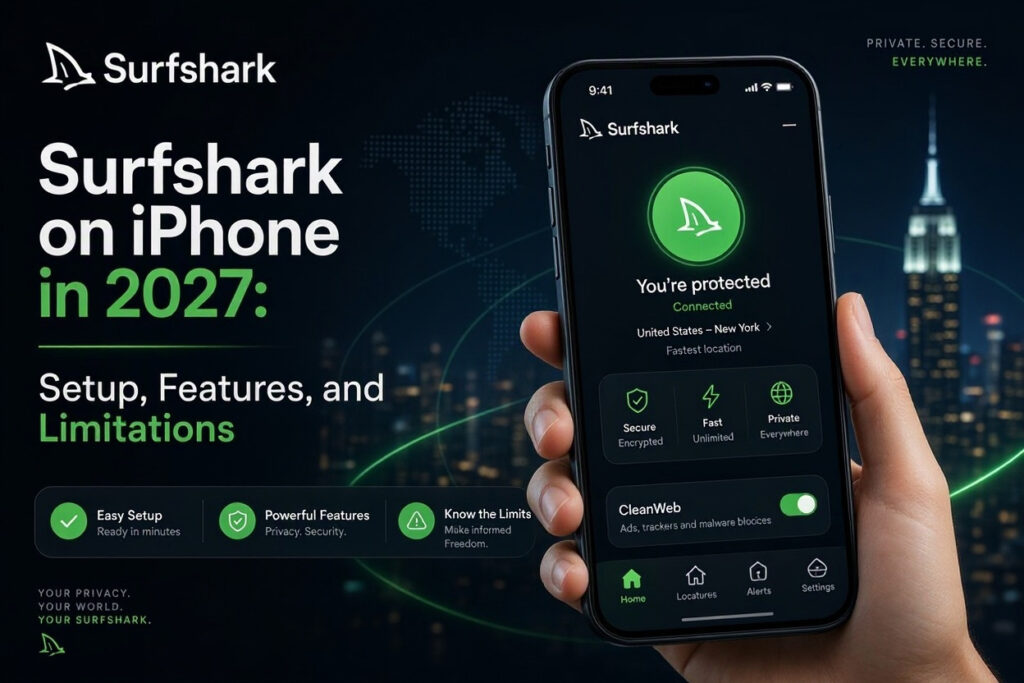
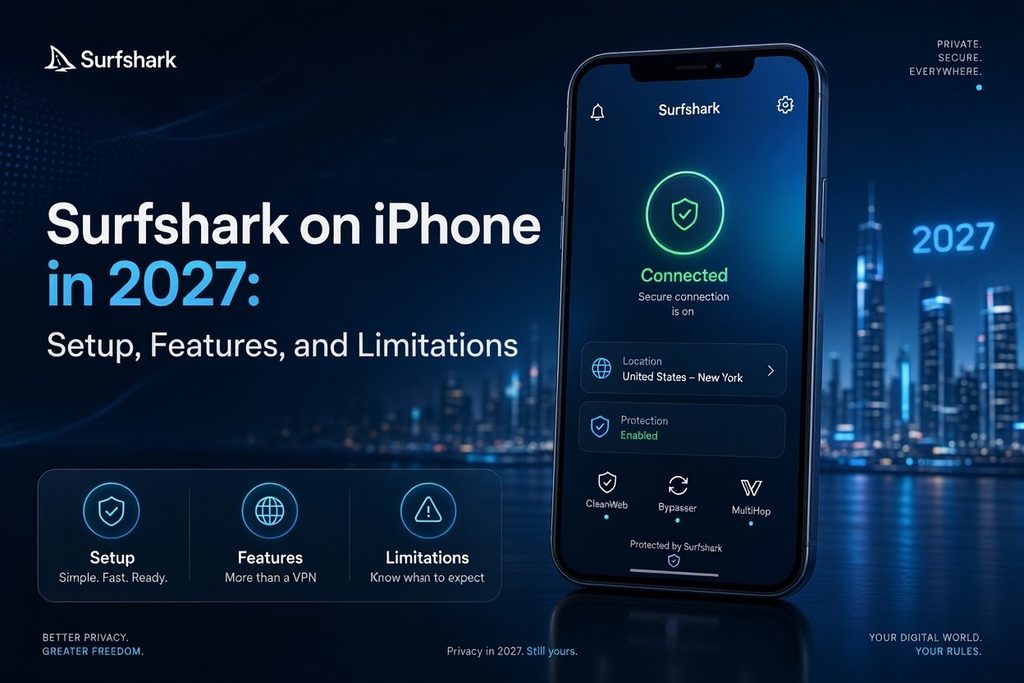
Surfshark on iPhone in 2027: Setup, Features, and Limitations
Surfshark lets subscribers connect unlimited devices, but how well does its VPN app work on an iPhone? Its iOS version includes encrypted connections, automatic protection, CleanWeb, MultiHop, and Bypasser. Some features work differently from their desktop equivalents, so the details matter before you subscribe.
This guide covers the setup process, supported iPhone features, practical limitations, privacy evidence, and trial conditions. It draws on official documentation rather than original speed or battery testing.
Surfshark on iPhone: A Quick Overview
Surfshark works over Wi-Fi and cellular data. It can select a VPN location automatically or let you choose one manually. The current U.S. App Store listing requires iOS 17.0 or later.
| Feature | Surfshark on iPhone |
| Minimum iOS version | iOS 17.0 |
| VPN protocols | WireGuard, IKEv2, OpenVPN TCP/UDP |
| Server selection | Automatic or manual |
| Simultaneous devices | Unlimited with a regular subscription |
| Kill Switch and Auto-connect | Available |
| CleanWeb and MultiHop | Available |
| Bypasser | Website exclusions only |
| Permanent free VPN plan | No |
| Free trial | Seven days for eligible new customers |
The unlimited-device policy can cover an iPhone, iPad, and other supported devices under one subscription. It doesn't guarantee identical speeds on each device. Surfshark has also redesigned parts of its iOS interface, including its locations screen, so older screenshots may not match the current app.
How to Set Up and Use Surfshark on iPhone
Most people can install Surfshark without manually creating an iOS VPN profile. Follow its official iOS setup instructions:
- Download Surfshark from the App Store and open it.
- Sign in or create an account with an active subscription or eligible trial.
- Open the VPN section and select a recommended location, or choose a country from the locations list.
- Tap the connection control and select Allow when iOS requests permission to add a VPN configuration.
- Complete any device authentication prompt and check that the VPN shows as connected.
The exact position of buttons can vary after app updates. For ordinary browsing, a recommended server is a sensible starting point. If you need another location, choose it from the app's location list. You can also adjust VPN protocols, connection automation, and trusted networks in Settings. Changing to a server in another country affects your apparent IP-based location, not your iPhone's GPS coordinates.
Surfshark iPhone Features and Limitations
The following are Surfshark's most relevant iOS features, along with the limitations that can affect everyday use.
Unlimited Devices and Bypasser
A regular Surfshark subscription supports unlimited simultaneous device connections, useful for households with several phones and computers. However, the iOS Bypasser feature only allows specific websites to bypass the VPN. It cannot exclude an entire banking or messaging app, unlike app-based split tunneling on certain other platforms. In the current interface, open the VPN quick settings, select Bypasser, and add the website address you want excluded.
CleanWeb and Kill Switch
CleanWeb filters certain ads, trackers, and malicious domains while the VPN is connected. It isn't a full antivirus product and cannot prevent every phishing attempt. The Kill Switch is intended to reduce unprotected connectivity when a VPN connection fails. Both are available through the current iOS VPN settings, but neither removes the need for safe browsing and up-to-date software.
Auto-Connect and Trusted Networks
Auto-connect can restore the VPN when your device comes online, normally using the most recently connected location. Surfshark doesn't provide a separate preferred Auto-connect location setting on iOS. You can mark known Wi-Fi or cellular networks as trusted, in which case the VPN will not connect while you use them. Only trust networks where you are comfortable without the VPN. Surfshark documents this behavior in its trusted-networks guide.
Protocols, MultiHop, and Performance
The iPhone app offers WireGuard, IKEv2, and OpenVPN TCP/UDP. Automatic protocol selection is a reasonable default; switching protocols can help troubleshoot network restrictions but doesn't guarantee higher speeds. MultiHop routes traffic through two VPN servers, offering a different routing arrangement at the possible cost of added latency. See Surfshark's MultiHop documentation.
Performance also depends on server load, network conditions, and transitions between cellular data and Wi-Fi. Some banking or streaming services may challenge connections from VPN addresses. If a connection fails, Surfshark suggests trying another location or reviewing the iOS troubleshooting steps. This article does not claim independent iPhone speed, battery, or long-term reliability measurements.
Surfshark iPhone Privacy: What Does the Evidence Show?
Surfshark states that it does not log browsing activity or the contents of traffic carried through its VPN. In June 2025, the company announced that Deloitte had completed another independent assurance engagement examining aspects of its no-logs practices, server configuration, and operational procedures. Its published summary reports findings consistent with the stated policy; the detailed report is available to account holders.
This is more informative than a provider's unverified promise, but it isn't a permanent guarantee. The engagement covered specified systems and a defined review period. Surfshark also handles account and billing information necessary to deliver subscriptions, as explained in its privacy policy.
A VPN can make it harder for local networks and internet providers to inspect covered traffic, and websites generally see the VPN server's IP address. Nevertheless, signed-in accounts, cookies, and device information can still identify you. The choice of provider therefore involves trust, not just encryption.
Surfshark Pricing, Free Trial, and Refunds
The iPhone app is free to download, but Surfshark does not offer a permanent free VPN tier. Ongoing access usually requires a subscription. Starter, One, and One+ packages include different additional tools, and prices vary by country, term, promotion, and renewal conditions. Refer to Surfshark's pricing page rather than a promotional figure that may expire.
Seven-Day Free Trial
Eligible new customers can obtain a seven-day trial through Surfshark's website on qualifying 12- or 24-month plans. The official trial terms list accepted payment methods, including credit cards, PayPal, and Apple Pay. The trial can be used on iPhone, but allows up to three devices simultaneously until the paid subscription begins. You must cancel under the stated terms to avoid being charged after the trial period.
Refunds and Subscription Management
Surfshark offers a 30-day money-back guarantee for qualifying initial purchases, subject to its refund policy. App Store purchases use Apple's separate refund process; see Apple's instructions. Before paying, confirm the renewal price, who processes your payment, and where you must cancel. A free trial and a money-back guarantee are different offers: the latter generally requires payment first.
Is Surfshark Worth Using on iPhone?
Surfshark is worth considering if you want one subscription for many devices, frequently use unfamiliar Wi-Fi, or need VPN servers in several countries. Its automatic connections, CleanWeb, and MultiHop may be useful, and its published privacy-assurance information provides context for evaluating the provider.
The most important iOS limitations are website-only Bypasser, the lack of a separately chosen Auto-connect location, and possible compatibility issues with services that reject VPN IP addresses. A VPN also doesn't replace iOS security updates, HTTPS, or caution around fraudulent links.
If your iPhone is mainly used on secure home Wi-Fi and you don't have a particular network-privacy or server-location need, another paid subscription may add little value. The best decision depends on your daily connections, the plan's renewal cost, and whether the iOS controls match what you need.
Frequently Asked Questions
Does Surfshark Work on iPhone Cellular Data?
Yes. Surfshark can connect over mobile data and Wi-Fi, although it cannot improve weak reception. Switching networks may briefly interrupt a VPN connection, and performance varies with server conditions.
Can I Share Surfshark Through My iPhone's Personal Hotspot?
Not through the standard iOS hotspot setup. Surfshark's official hotspot guide says connected devices must run their own VPN connections if protection is required.
Does Surfshark Change My iPhone's GPS Location?
No. It can change the IP address and approximate network location that websites see, but apps with Location Services permission can still access your actual GPS position.
Does Surfshark Protect Against Every Online Threat?
No. VPN encryption and domain filtering have specific roles, but they cannot eliminate phishing, malicious downloads, or tracking through accounts. Keep iOS updated and use strong authentication alongside any VPN.